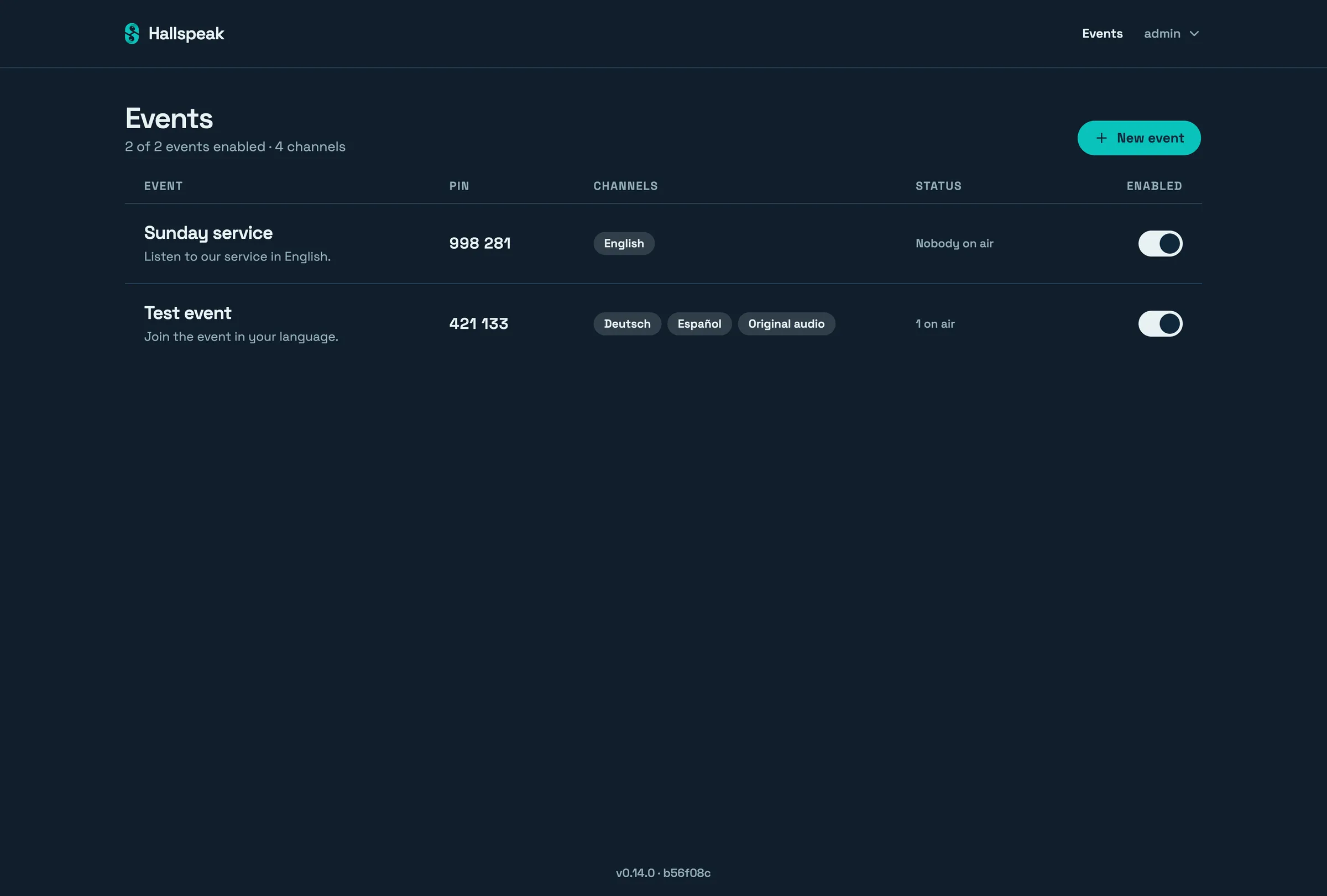
Organiser
Signs in to the admin console, creates events and channels, and prints the QR code for the seats or shares the link.
Free, open source, self-hosted
Self-hosted simultaneous interpretation for live, in-person events. An interpreter speaks into a browser; guests in the room listen on their own phones, in their own language.

How it works
An Event is one occasion — a service, a session, a talk. Add one Channel per target language. The Event gets a QR code to print and a link to share.
Each Channel has its own Speaker code. Whoever holds it opens the speaker studio in a browser, picks a microphone and goes live.
Guests scan the QR code or open the link, pick a Channel and listen on their own phone. No sign-up, and any modern browser works.
Three roles
Signs in to the admin console, creates events and channels, and prints the QR code for the seats or shares the link.
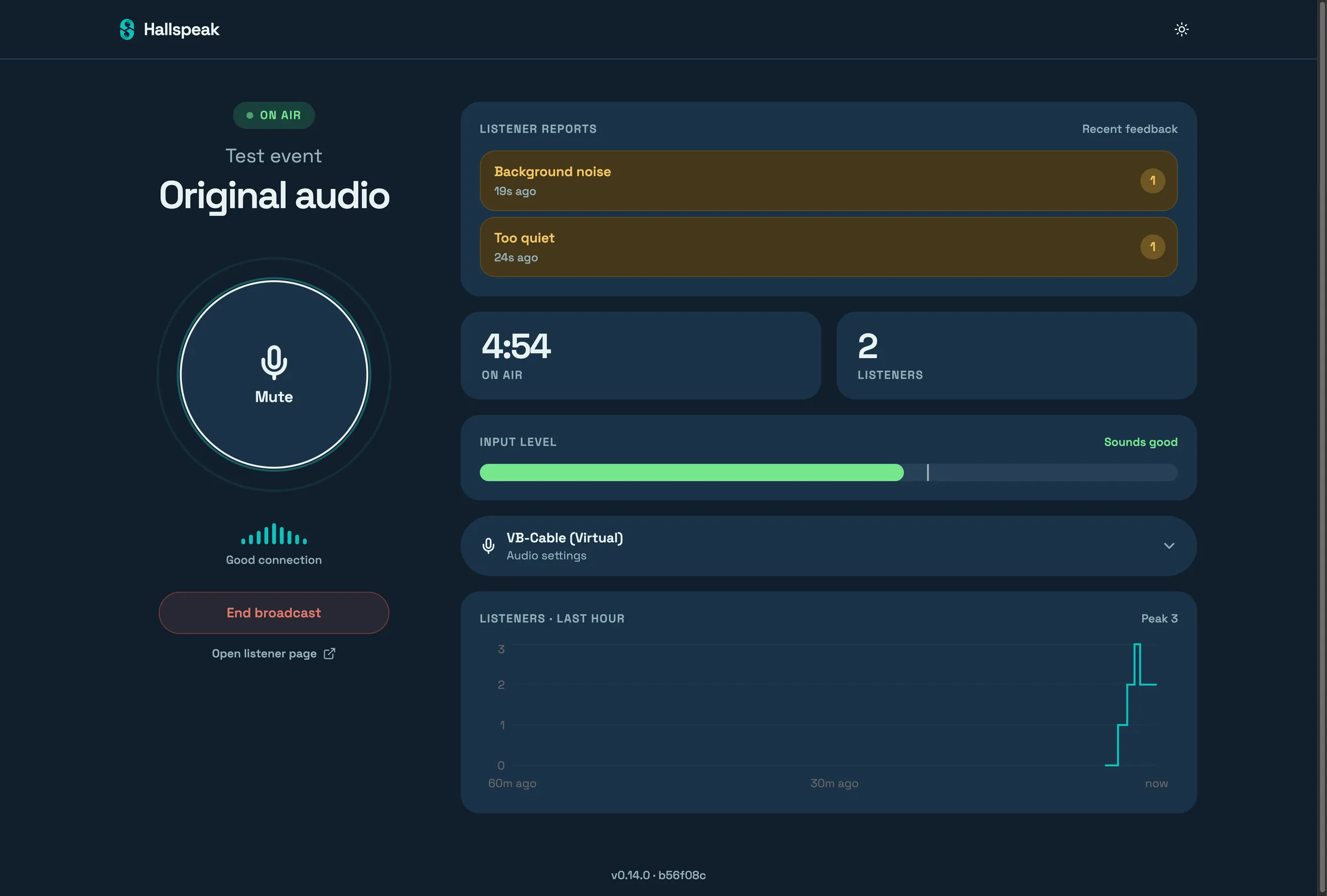
Opens the speaker link, checks the mic on the level meter and goes live. Nothing to install.
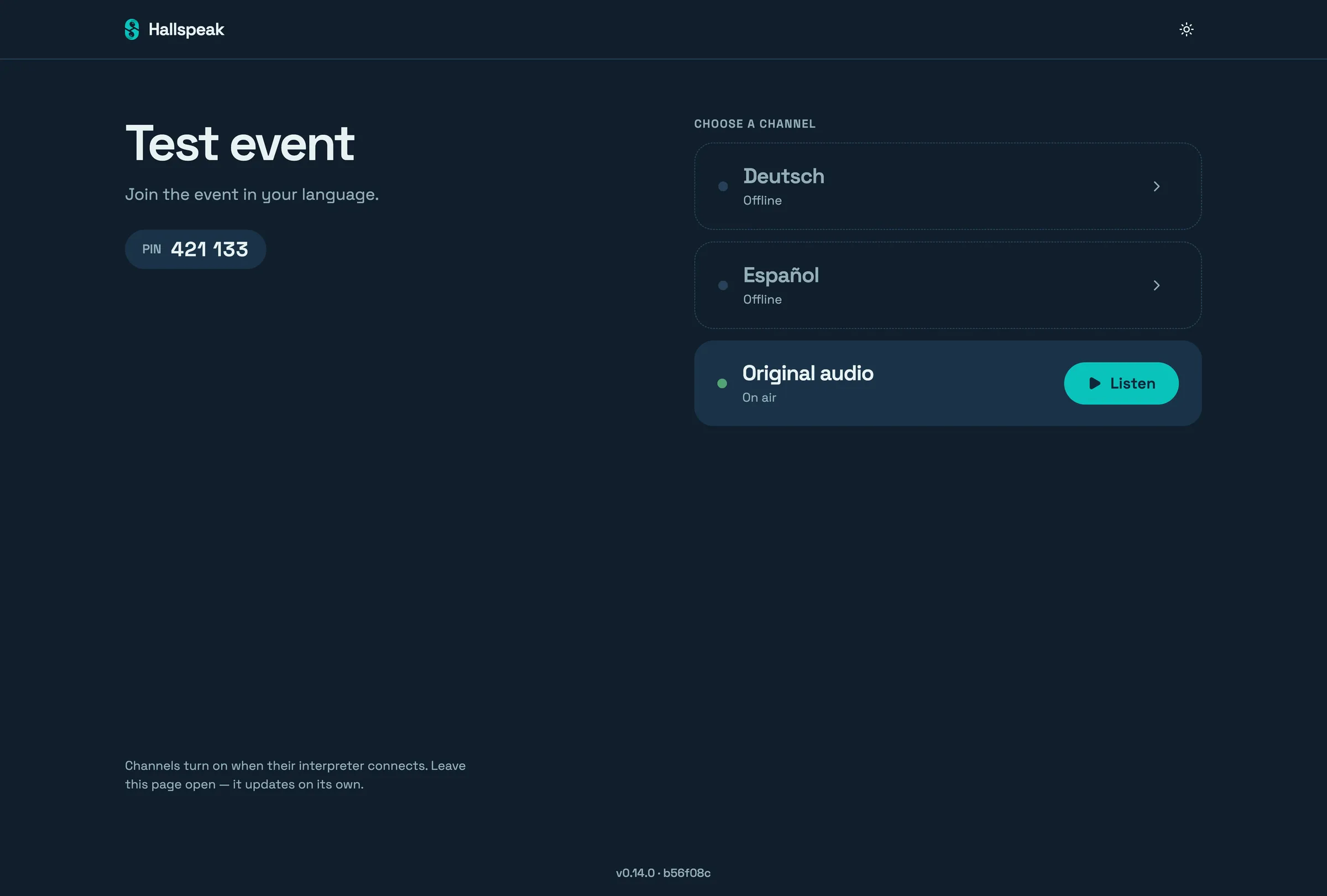
Scans the QR code or opens the link, picks a language and listens. No account, no name, no email.
Built for the room
Two interpreters sharing a Channel swap through a handover, so neither is cut off mid-sentence and the audio has no gap.
Listeners can send an anonymous report — too quiet, too loud, static, noise, silence — that the interpreter sees in the studio.
Audio keeps playing with the screen locked, in the browser and in the app.
The listener and the speaker studio both run in the browser. The app is optional.
Mobile app
The Hallspeak app for iPhone and Android remembers the events you have joined, so coming back next week is one tap. It also reconnects by itself when the phone switches network, even with the screen locked.
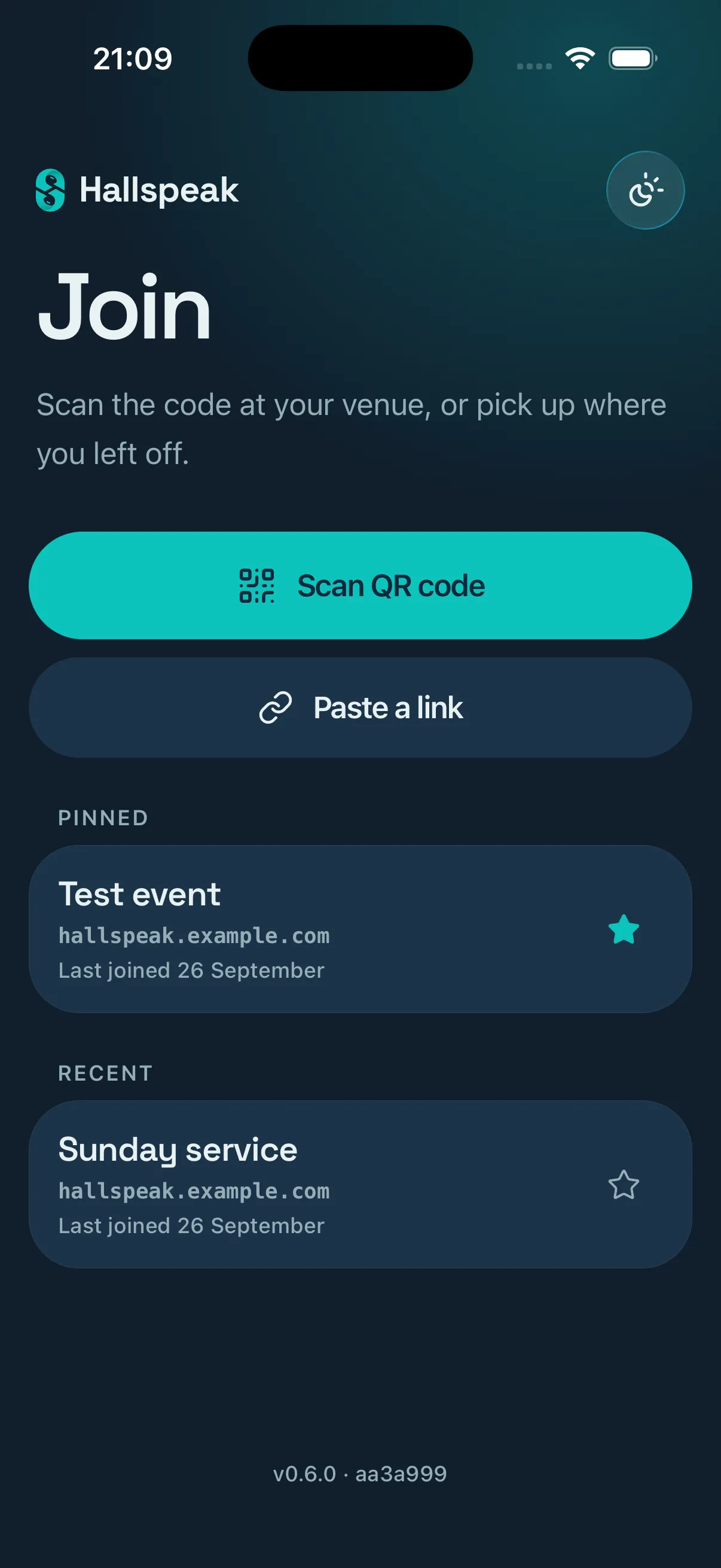
Join
Scan the code at the venue, or pick up a pinned or recent event.
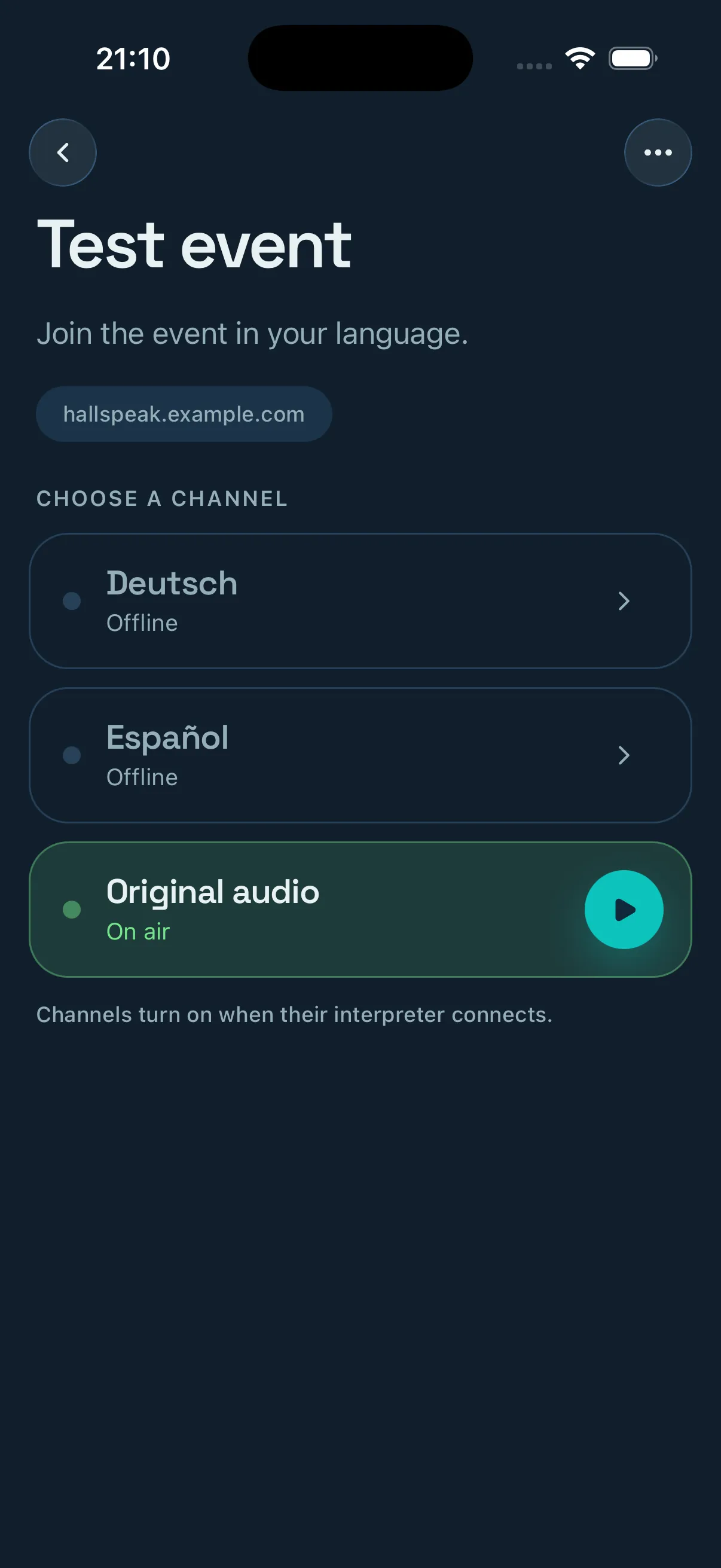
Choose a channel
Channels turn on when their interpreter connects.
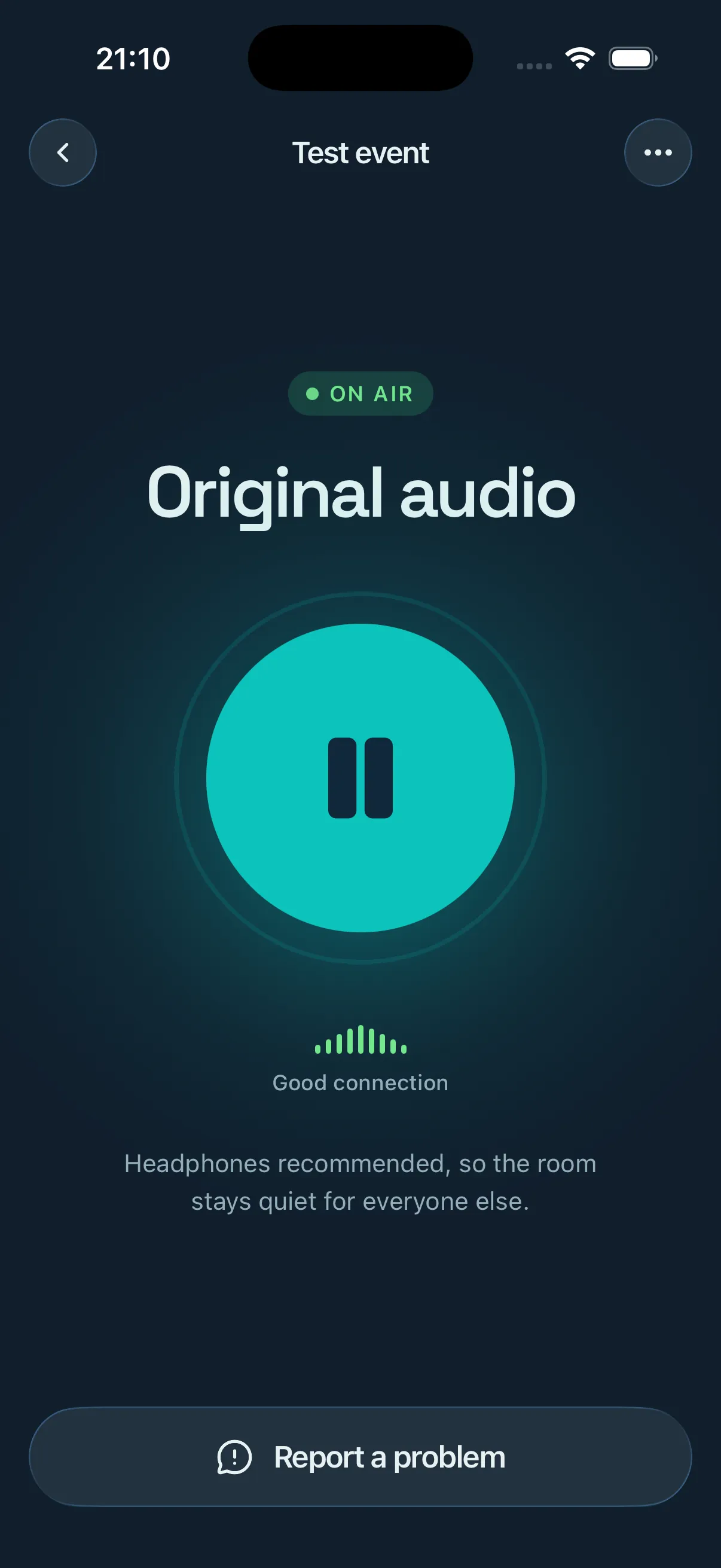
Listen
Keeps playing and reconnects with the screen locked.
Run your own
Hallspeak is for churches, schools, conferences and anyone else running an event in more than one language. It runs on a NAS or a modest home server that you own.
One Docker image
Runs behind your own reverse proxy.
No cloud services, no subscription
Audio goes from your server to the phones in the room.
One account, for the administrator
Possession of a link or code is the whole authorization.
Open source
Read the code, file an issue, run it for free.